
Cobra Tech: gaming PCs, parts and gear in one place
Cobra Tech is an online computer store based in Croydon, in Melbourne’s east. We sell prebuilt gaming PCs, custom builds, PC parts, monitors and the gear that sits around them, and we send orders anywhere in Australia with Australia Post.
The idea is simple. If you want a gaming PC that turns up ready to use, pick one of our prebuilt systems. If you would rather choose every part yourself, buy the parts on their own, or add a build service and have them assembled into a PC. Either way you deal with one store, one cart and one order.
Prices on the site are in Australian dollars. [GST statement: prices include GST / tax invoices available from your account.]
This page explains how Cobra Tech works: what is in the range, how prebuilt PCs are prepared, how custom builds and build speeds work, which warranty options you can add, and how delivery is charged. There is also a short guide to choosing a gaming PC, and some notes on setting one up, if you are not sure where to start.
Prebuilt gaming PCs from Cobra Tech
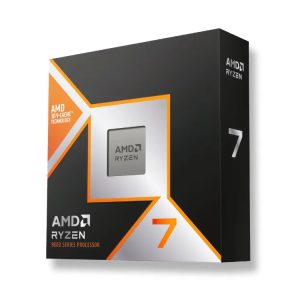
The Cobra Tech prebuilt range starts with an entry-level system built around an AMD Ryzen 5 5600 and a GeForce RTX 3050, and goes up to flagship machines with a Ryzen 9 9950X3D and a GeForce RTX 5080. In between you will find builds with the Ryzen 5 9600X, the Ryzen 7 9800X3D and Intel’s Core Ultra 7 265KF and Core Ultra 9 285K.
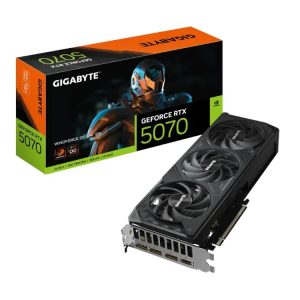
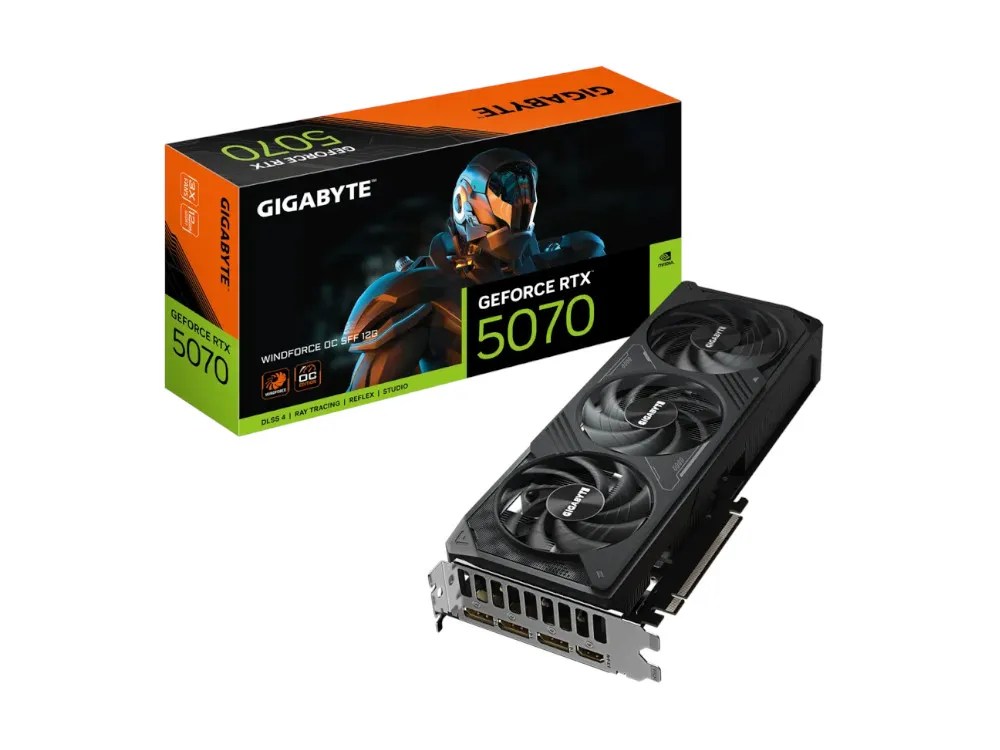
On the graphics side the range covers Nvidia’s GeForce RTX 50 series, from the RTX 5050 through the RTX 5060, 5060 Ti, 5070, 5070 Ti and 5080, and AMD’s Radeon RX 9060 XT, RX 9070 and RX 9070 XT. Several builds come in two versions of the same graphics chip, for example an 8GB and a 16GB RTX 5060 Ti, so check the memory size when you compare.
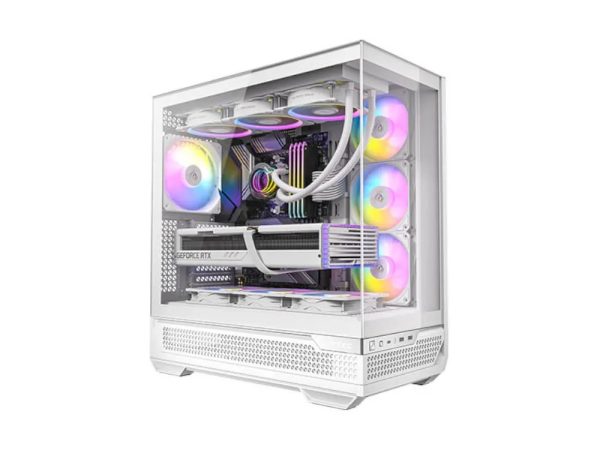
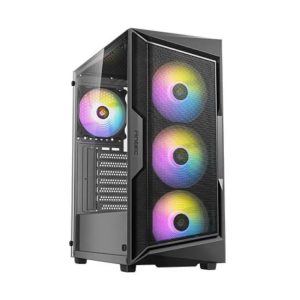
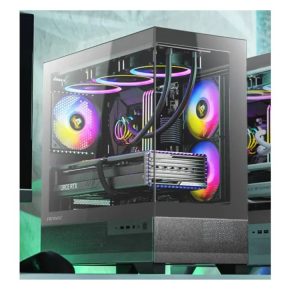
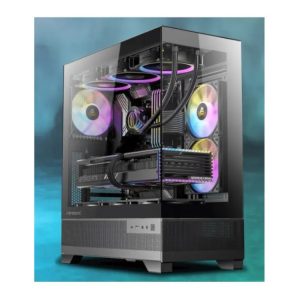
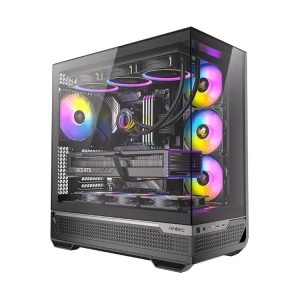
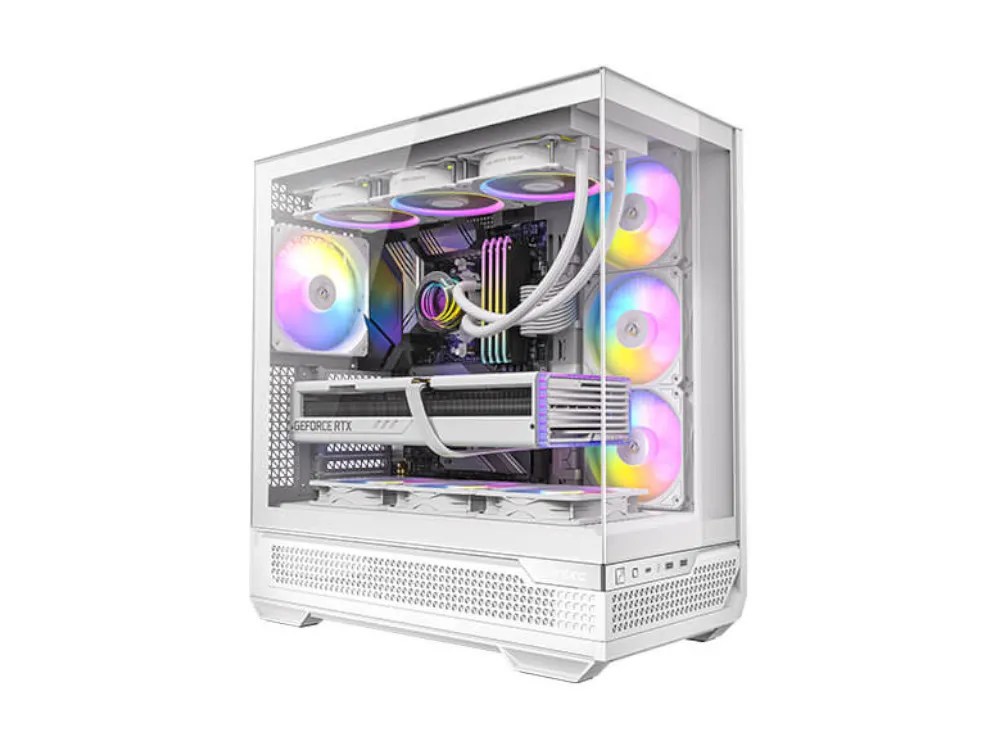
The builds use cases from Antec and Zalman, including the Antec AX61, CX500M, CX700 and C7. A number of systems come in black and in white. Where both exist, the product page has a colour switch that takes you straight to the other version, and it tells you when the white build uses a different model of graphics card.
Every Cobra Tech product page lists the full specification: processor, cooler, motherboard, graphics card, memory, storage, power supply, wireless, case and operating system. If a part is out of stock when you order, the product notes say a similar or better part is fitted instead.
How each prebuilt is prepared
Each prebuilt Cobra Tech PC comes with a genuine Windows licence installed. Drivers are installed, system updates are applied, and the PC is tested for stability and performance before it is packed. When it arrives you connect a monitor, keyboard and mouse and switch it on.
Monitors and peripherals are not included with a PC unless you add them to the same order. In some cases the graphics card is sent separately so the PC travels safely; the product notes mention this where it applies.
Picking a tier
The homepage groups the prebuilt range into four price bands. Entry systems suit 1080p gaming and everyday use. Performance systems step up to newer platforms and faster graphics cards. Enthusiast systems are aimed at high refresh rate 1440p. Flagship systems pair X3D processors with an RTX 5080 for 1440p and 4K. Use the budget filter on the gaming PC page to narrow the list, then compare the specs side by side.
Prebuilt or custom: which one suits you?
Most people are best served by a prebuilt. The parts in each Cobra Tech prebuilt have already been matched, the price covers the assembly, Windows and testing, and you can order it today without working out compatibility yourself.
A custom build makes sense when you have something particular in mind: a specific case or cooler, a part you already know you want, more storage than the prebuilt list offers, or a workstation for software that leans on the processor more than the graphics card. You choose each part, then add a build service to the order.
Workstation PCs
For work rather than games, Cobra Tech also lists workstation PCs built around processors with more cores, for jobs such as video editing, 3D and CAD. They sit apart from the gaming range, and the same build services and warranty options apply.
If you are somewhere in between, start with the prebuilt that comes closest and compare its parts list with what you would change. That usually shows quickly whether the difference is worth a custom build.
Custom builds and build speed
If none of the prebuilt systems fits, Cobra Tech can have a PC built from parts you choose. Pick a processor, motherboard, memory, graphics card, storage, cooler, case and power supply, add a build service, and the parts are assembled into a working PC with the operating system you order installed.
You choose how quickly the build is done when you order:
- Standard build service: up to 20 business days, no extra charge.
- Express build, category 1: up to 12 business days, $89.
- Express build, category 2: up to 6 business days, $149.
The build time is the time to assemble and test the PC. Delivery time is on top of that and depends on where you are.
We also offer separate services for PCs you already own, including a basic and an advanced upgrade service and an operating system installation service. They are listed in the build and upgrade services section of the shop with their current prices.
Choosing a gaming PC: a plain-English guide
Most buying decisions come down to a handful of questions. Work through them in this order and the right Cobra Tech build usually becomes obvious.
Start with your screen
Your monitor decides how hard the PC has to work. A 1080p screen at 60 to 144Hz is the easiest target. A 1440p screen at 144Hz or more is where most people land today, and it is where the extra performance of a stronger graphics card shows. 4K needs the most power of all. Buy the PC for the screen you have, or the one you are about to buy, rather than the one you might buy in three years.
The graphics card matters most for games
In most games the graphics card sets the frame rate. If you are deciding between a faster processor and a faster graphics card for the same money, the graphics card is usually the better use of it for gaming. Graphics memory matters as well: newer games at higher settings use more of it, which is why we point out the 8GB and 16GB versions of the same card.
The processor keeps everything fed
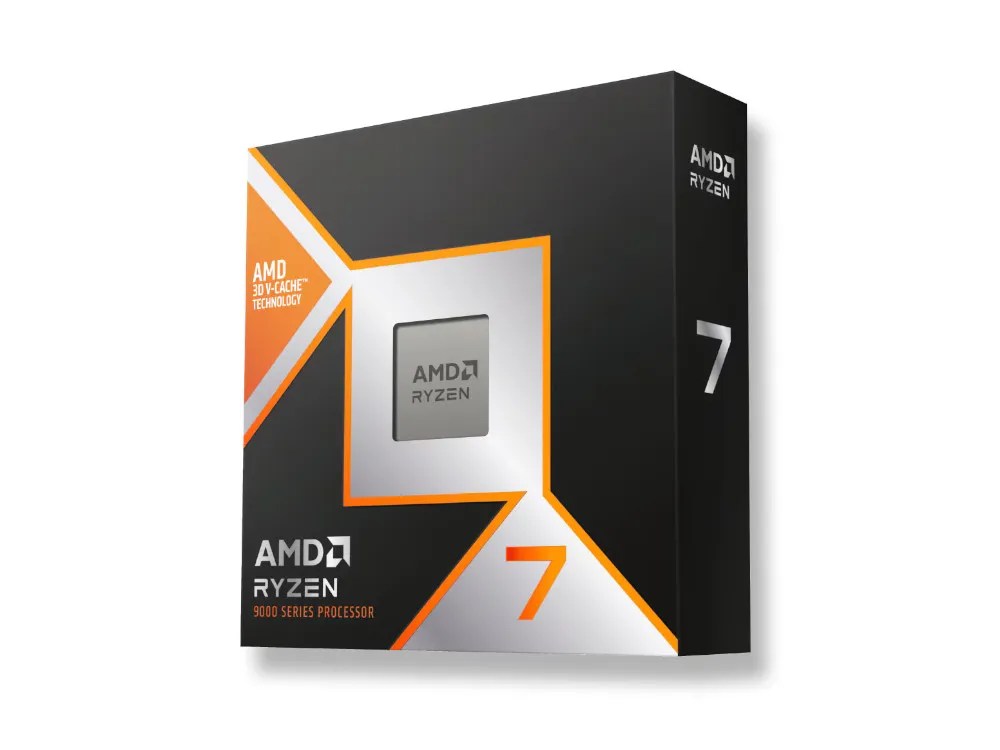
A modern six-core processor such as the Ryzen 5 9600X is enough for gaming at higher resolutions. AMD’s X3D chips, like the Ryzen 7 9800X3D, carry extra cache that helps in many games, especially at high refresh rates. If you also edit video, stream or run heavy workloads, more cores, as on the Ryzen 9 9950X3D or Core Ultra 9 285K, start to pay off.
Memory and storage
32GB of memory is a comfortable amount for gaming in 2026, and 64GB makes sense if you also create content or keep a lot running at once. For storage, an NVMe SSD makes the system and games load quickly. Games are large, so 1TB fills up fast; 2TB gives more room, and you can always add a second drive later.
Power, cooling and the case
A good power supply with some headroom keeps the system stable and leaves space for an upgrade. Liquid coolers and large air coolers keep processors quieter under load. The case decides how big a graphics card and cooler you can fit and how much airflow there is, so it matters more than its looks suggest.
Leave room to upgrade
The easiest upgrades later on are storage, memory and the graphics card. A build with a solid power supply and a current platform, such as AMD AM5 or Intel LGA 1851, gives you the most options down the track.
PC parts and upgrades at Cobra Tech
If you are building your own PC or upgrading an old one, the PC parts section of Cobra Tech covers every component you need:
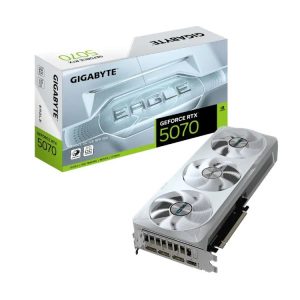
- Graphics cards: GeForce RTX 50 series and Radeon RX 9000 series cards from Gigabyte, Asus, MSI, XFX, Palit and INNO3D, plus workstation cards.
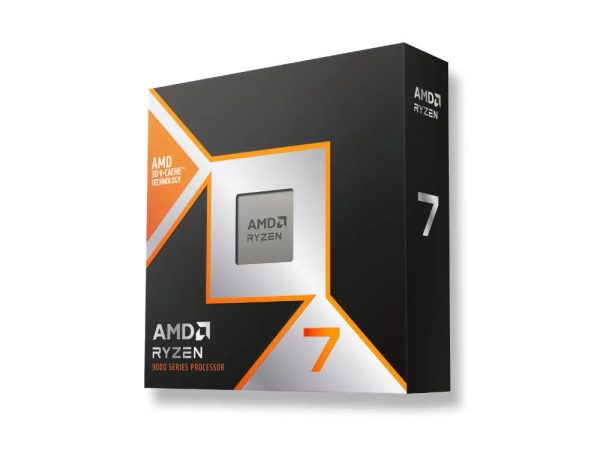
- Processors: AMD Ryzen 5000, 7000, 8000 and 9000 series, and Intel Core 14th gen and Core Ultra.
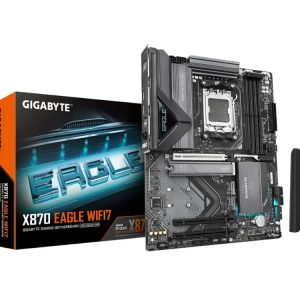
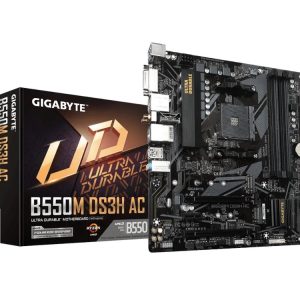
- Motherboards for AMD AM4 and AM5 and Intel LGA 1700 and LGA 1851, from micro-ATX and mini-ITX boards to full ATX.
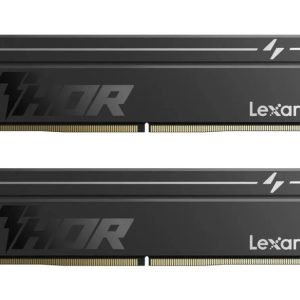
- Memory: DDR4 and DDR5 desktop kits.
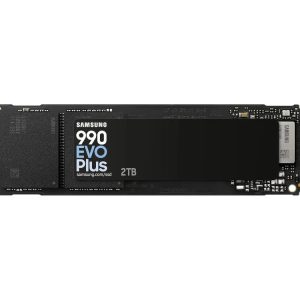
- Storage: Gen3, Gen4 and Gen5 NVMe SSDs, SATA SSDs and hard drives.
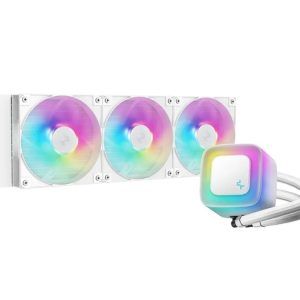
- Cooling: air coolers, all-in-one liquid coolers and thermal paste.
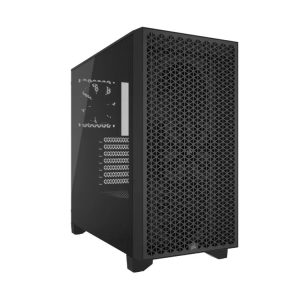
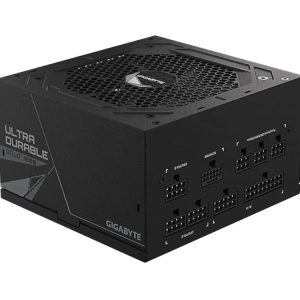
- Cases from mini-ITX to E-ATX, and ATX and SFX power supplies.
Each part has its specifications on the product page, taken from the manufacturer. When you put parts together, check that the processor socket matches the motherboard, that the memory type suits the board, that the case takes the board size and graphics card length, and that the power supply has enough wattage.
Monitors, keyboards and mice
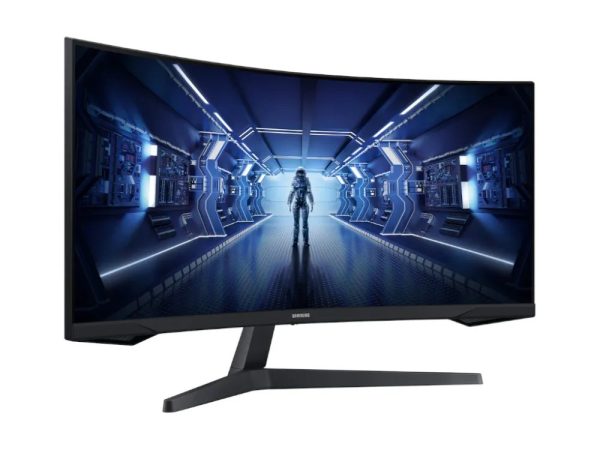
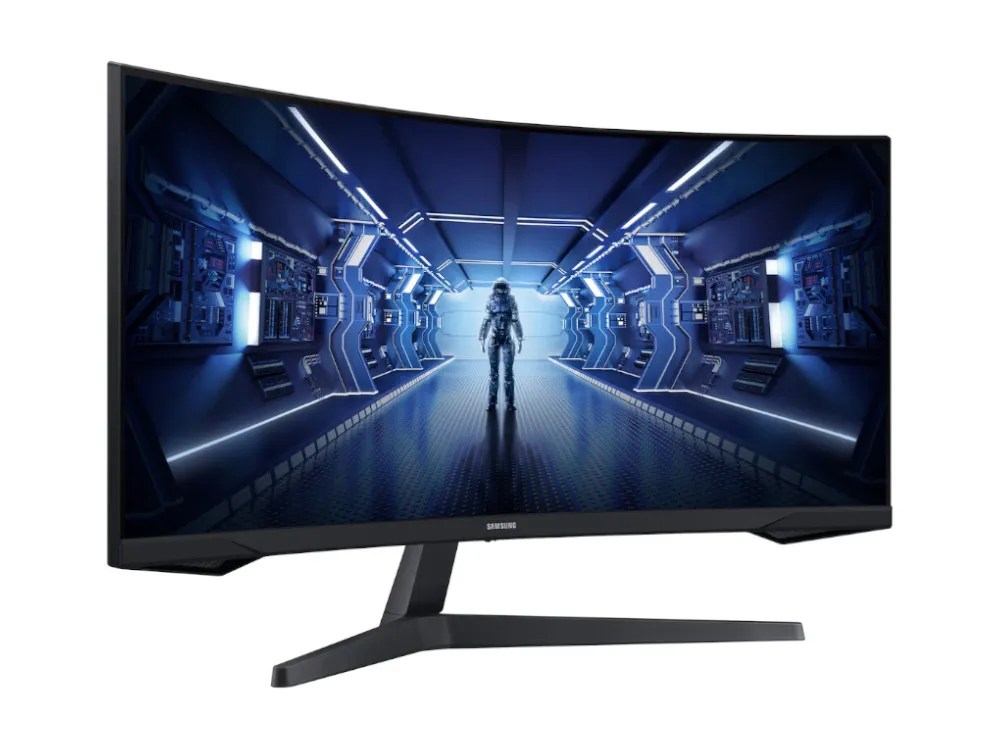
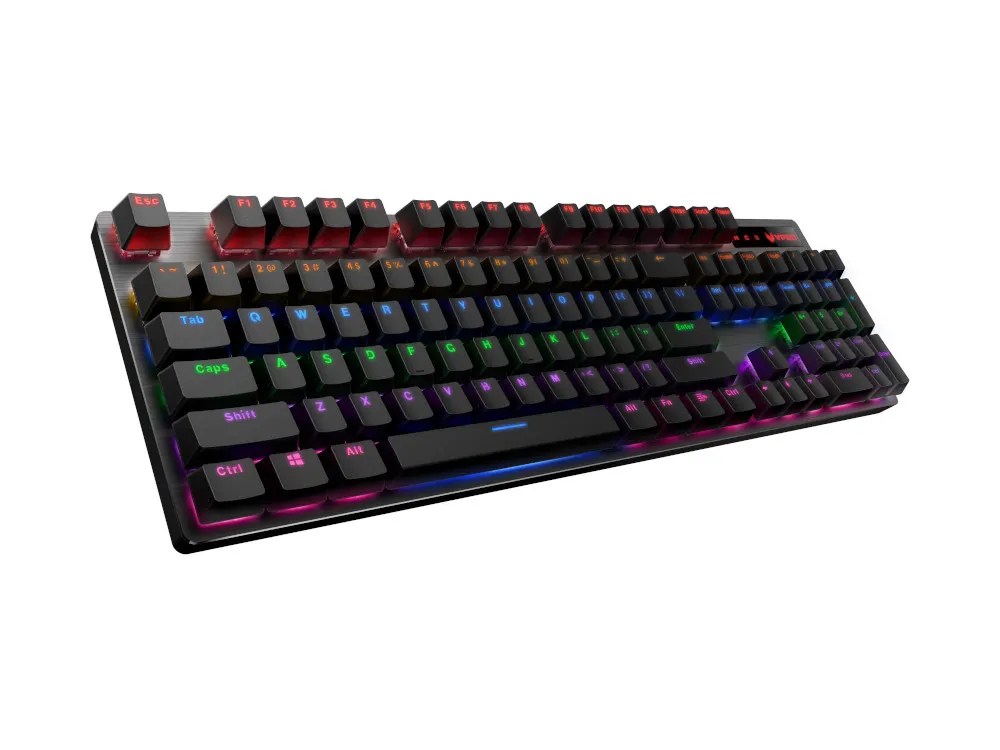
To finish a desk, Cobra Tech stocks gaming and business monitors from AOC, Samsung, LG, ViewSonic, MSI, Philips and Lenovo, from 24-inch office screens to 34-inch ultrawide curved gaming monitors. There are keyboards, mice, keyboard and mouse combos and mouse pads from Asus ROG and TUF, Logitech, Rapoo and Gigabyte in the peripherals section.
For the rest of a home or office setup we also carry Wi-Fi adapters, business VoIP desk phones from Grandstream, Fanvil and Yealink, power boards, and software including Windows 11 Home and Pro and Norton 360.
When you pick a monitor to go with a new PC, match it to the graphics card. A 1080p screen at 144Hz or more suits the entry and performance builds. A 1440p screen at 165Hz or more is where the enthusiast builds make sense, and a 4K or ultrawide panel suits the flagship systems.
Reading a Cobra Tech product page
Product pages are laid out the same way across the store, so once you know one you can compare quickly.
- The title and the line under it give the main parts at a glance: processor, graphics card and case for a PC, or the key specs for a part.
- The specification tab lists every part in a PC, with model names you can look up.
- On a PC, the warranty options sit above the add to cart button, with the total updating as you choose.
- The delivery tab explains how the item is sent and any notes, such as a graphics card packed separately.
If something on a page is unclear, email us before you order rather than after.
Warranty options
Every prebuilt and custom PC from Cobra Tech includes 1 year of unlimited free pickup repair and return. If the PC needs repair during that time, the cost of collecting it from you and sending it back is covered.
You can extend the cover when you add a PC to your cart:
- 2 years unlimited free pickup repair and return: $99.
- 3 years unlimited free pickup repair and return: $199.
- 3 years unlimited urgent free onsite or pickup repair and return: $199.
The warranty you pick is added to the cart with the PC and stays linked to it, so if you change the quantity or remove the PC, the warranty follows. Parts carry the manufacturer’s warranty, which is listed on each product page. Your rights under the Australian Consumer Law apply on top of any warranty.
Delivery across Australia
Cobra Tech is an online store and orders are not available for pickup. Everything is sent from Croydon, Victoria with Australia Post Parcel Post.
Shipping is worked out at checkout from your postcode and the weight of your order, using Australia Post’s published Parcel Post prices. Small items up to 5kg are charged at the same rate anywhere in Australia. Heavier parcels are charged by weight and by destination zone. A boxed PC is large and heavy, so it is charged at Australia Post’s top weight band of 22kg. You can see the exact cost in the cart as soon as you enter a postcode, before you pay.
Custom builds are dispatched once the build service you chose is finished. More detail is on the shipping page, and Australia Post explains how it calculates parcel postage on its own site.
Setting up your new PC
A prebuilt from Cobra Tech is ready to switch on, but a few minutes of setup gets the most out of it.
- Unpack the PC and keep the box until you are happy everything works. If the graphics card came separately, fit it into the top PCIe slot and connect its power cables before you start.
- Plug your monitor into the graphics card, not the motherboard. The ports on the back panel near the top belong to the motherboard and usually will not give you the card’s performance.
- Switch on and finish the Windows setup with your own account.
- Run Windows Update, then install the latest graphics driver from Nvidia or AMD.
- In Windows display settings, set your monitor to its highest refresh rate. Many new screens start at 60Hz until you change it.
Looking after your gaming PC
Gaming PCs need very little care, but dust is the main enemy. Keep the PC off the carpet and away from walls so the fans can breathe, and clean the dust filters every few months. Keep Windows and the graphics driver up to date. If you ever open the case, switch off at the wall first. For anything covered by the warranty, contact Cobra Tech before you change parts yourself.
Buying from Cobra Tech
You can browse and order at any time. Add products to the cart, enter your postcode to see delivery, and pay at checkout. [Payment methods accepted.]
If you are new to Cobra Tech, the small offer that pops up as you scroll gives you 10% off your first order when you join the email list. It covers PCs, parts and gear, but not warranty or build service fees.
Questions before you buy are welcome. Email sale@cobra-tech.com.au. We are available from 8am to 8pm. [Phone number.]
Cobra Tech FAQ
Where is Cobra Tech based?
Cobra Tech is based in Croydon, Victoria. We sell online only and ship across Australia with Australia Post.
Can I pick up my order from Cobra Tech?
No. All orders are delivered. Shipping is calculated at checkout from your postcode.
How long does a custom PC take?
Up to 20 business days with the standard build service, up to 12 with express category 1 and up to 6 with express category 2, plus delivery time.
Do Cobra Tech prebuilt PCs come with Windows?
Yes. Each prebuilt Cobra Tech PC comes with a genuine Windows licence installed, along with drivers and system updates.
How is shipping worked out for a PC?
By postcode and weight, using Australia Post Parcel Post prices. A PC is charged as a 22kg parcel. Enter your postcode in the cart to see the exact cost before you pay.
Is a monitor included with a PC?
No. Monitors, keyboards and mice are sold separately. Add them to the same order as the PC.
What warranty does Cobra Tech give on a PC?
Every PC includes 1 year of unlimited free pickup repair and return. You can extend it to 2 or 3 years when you add the PC to your cart.
Does Cobra Tech sell parts on their own?
Yes. Graphics cards, processors, motherboards, memory, storage, coolers, cases and power supplies are all sold separately, with the manufacturer’s warranty.